
How to Reset a Standing Desk in 5 Steps (and Fix One That Stops Working)
Clear the space under the desk, hold Down to the lowest height until RST, ASr or RESET appears, then hold Down again until the desk dips, rises and stops.
 By HomeOfficeAid
Updated November 26, 2026
How do you reset a standing desk? On most electric standing desks, you clear the space underneath, hold the Down button until the desk reaches its lowest height, keep holding (or press again) until the display shows a reset code such as RST, ASr or RESET, then hold Down once more until the desk dips slightly, rises slightly and stops. The exact buttons and timings differ by brand and controller, so the steps below start with the checks that fix a stuck desk without a reset, then show the published reset sequence for several brands side by side.
This is a research-based guide built from manufacturers’ own support pages and manuals, not a record of our own repairs. UPLIFT, Vari, IKEA, FlexiSpot and Autonomous each publish reset instructions for their desks, and the University of California Office of the President publishes a reset sheet for the sit-stand desks in its offices. If you are still shopping, our guide to the best standing desks compares models by height range, frame, controller and listed weight capacity, which is worth checking before you buy a replacement frame.
When a Standing Desk Needs a Reset
A reset recalibrates the control box so it knows where the bottom of the desk’s travel is. Manufacturers point to the same situations again and again: the desk lost power or was unplugged, it will only move in one direction, it stops short of its full height, one leg moves while the other does not, or the display shows an error code. IKEA lists a BEKANT desk that cannot drive all the way up or all the way down as a reason to reset, and FlexiSpot notes that after a power loss a desk may go into a mode where it can only move down until it is reset.
A reset is worth trying before you order parts. UPLIFT says 70% of the standing desk control boxes returned to it for replacement are not defective and would have been fixed by its quick desk reset, which it says takes about a minute.
Quick Diagnosis: What Your Desk Is Telling You
| What you notice | Likely cause | What to try |
|---|---|---|
| Desk will not move at all after a power cut or being unplugged | Controller lost its position | Power cycle, then reset (steps 3 and 4) |
| Desk only goes down, or stops partway up | Controller needs recalibrating, or something is in the way | Clear the path (step 1), then reset |
| Desk stops and reverses, or stops and beeps | Anti-collision stop, obstruction or overload | Remove obstructions and weight (step 1) |
| Desk stops working after a lot of up and down | Motor overuse protection | Let it rest (step 2) |
| One leg moves, the other does not, or the desktop tilts | Loose leg cable or a leg or column fault | Reseat cables, reset, then contact the maker |
| Display shows a code such as E01 or E06 | Fault reported by the control box | Look up the code for your desk (see the error code section) |
How to Reset a Standing Desk in 5 Steps
1. Clear the path and check the basics
Every reset sends the desk down to its lowest position, so move chairs, drawers, bins and anything else out from under the desktop first. UPLIFT’s instructions start with this step to avoid collisions. Look above the desk too: FlexiSpot points out that shelves, cabinets or other objects above a desk can block upward travel, and that desks with a safety stop will halt when they meet something.
Next, take weight off the desktop if it is heavily loaded. Both Vari and IKEA list overloading as a reason a desk stops or moves only short distances. Then check every connection: the power cord at both ends, the keypad cable at the control box, and the cable from each leg. Vari’s troubleshooting for several of its error codes starts with disconnecting and reconnecting the leg and keypad cables. If cables were tugged when the desk moved, our guide to standing desk cable management shows how to leave enough slack for the full height range so it does not happen again.
2. Let the motors rest if you have been adjusting a lot
Many desks have overuse protection that stops the motors when they run too long. Vari says that if its desk is raised and lowered continuously for more than 2 minutes, it displays the code H01 and stops working temporarily to protect the mechanism from overheating; the fix is to stop adjusting the desk and resume after 20 minutes. If your desk quit after a long run of adjustments, wait before you try a reset, because the reset will not override this protection.
3. Power cycle the desk
Unplug the desk from the outlet or surge protector, wait, then plug it back in. The waiting time varies by brand: IKEA’s BEKANT instructions say to unplug the desk for roughly one minute, while FlexiSpot’s guide says to wait 30 seconds and listen for clicking sounds after you reconnect it. FlexiSpot also notes that the desk loses its memory settings after being unplugged and may move slowly until it is reset.
Plug the desk straight into a wall outlet or a surge protector rated for the job rather than a chain of extension cords, and follow the desk maker’s power instructions. Look for a UL or ETL listing mark on any power strip or surge protector you use with it; our guide to the best surge protectors explains what those listings mean and how to mount one under a desk.
4. Run the reset sequence for your controller
The most common sequence looks like this, but always check the manual or support page for your exact model:
- Hold the Down button until the desk reaches its lowest height.
- Keep holding Down, or release and hold it again, until the display shows a reset code (RST, ASr, RESET or similar).
- Release, then hold Down once more. The desk usually moves down a little, rises a little and stops, or shows its height again.
- Try the Up button. If the desk moves normally, the reset worked.
Here is how the published sequences differ:
| Brand and model | Published reset sequence | How you know it worked |
|---|---|---|
| UPLIFT standing desks | Hold Down for 10 seconds until a display keypad shows ASr (Advanced Paddle keypads show RESET), release, then hold Down again | Desk lowers slightly, rises slightly and stops |
| Vari Electric Standing Desk (listed models) | Make sure cables are connected, hold Down about 5 seconds until RST flashes, release, then hold Down again and do not release early | Desk reaches its lowest height, rises slightly and the display shows 25.0 |
| IKEA BEKANT | Hold the Up and Down buttons together for 10 seconds, then drive the desk all the way to the bottom (it moves at reduced speed) | Desk can drive up again |
| FlexiSpot (general guidance) | After power cycling, hold Down to the lowest point and release, then hold Down for about 10 seconds | A few clicks; the desk may rise slightly |
| Autonomous Desk 2 | Hold Down to the lowest position and release, hold Down 5 seconds until RST appears, then hold Down again | Display shows the height number |
| Autonomous Desk Pro | Hold Up and Down together for 3 seconds | A beep |
| University of California office sit-stand desks | Hold M for a few seconds; if that fails, hold Down to the lowest height, keep holding 5 seconds until RST shows, release and press Down again | Display shows 24.5 |
Those last numbers (25.0 on the Vari desks, 24.5 on the UC desks) are each desk’s lowest height reading, so a different desk will show its own minimum. Older controllers can behave differently: Vari, for example, publishes separate codes and instructions for desks bought before June 1, 2020 and for its Essential desk. If the desk did not move during the final hold, UPLIFT’s advice is simply to repeat that step.
5. Re-save your height presets and check the desk is level
A reset or a power cut can clear saved positions, so set your sitting and standing heights again and store them in the memory buttons. Our guide to standing desk height explains how to find the right elbow height for each position, and if you use the presets to alternate through the day, the article on how long to stand at a standing desk covers how to split sitting and standing time.
Finally, look along the desktop. FlexiSpot explains that if the legs become uneven, the control box detects the height difference and stops to prevent further harm, and that a full reset lets the legs realign. If the desktop still tilts after a reset, stop and contact the manufacturer rather than forcing it.
What Standing Desk Error Codes Mean
Error codes are not standardized. The same code can mean different things on different brands, so use the table only as a guide to the kind of fault, and look up your own code in your desk’s manual. As an example, these are the codes Vari publishes for its current Electric Standing Desk models:
| Vari code | Meaning | Vari’s recommended action |
|---|---|---|
| E01, E02 | Table leg failure | Disconnect and reconnect the leg cables at the control box, then reset; contact Vari if it persists |
| E03 | Overload | Remove weight from the desktop, then reset |
| E04 | Data error | Reset the control panel |
| E05 | Button stuck | Move the stuck button back and forth; contact Vari if it stays stuck |
| E06 | Connection error | Check the cable between the control box and control panel, then reset |
| E07, E08 | Height setting error | Reseat the cable in the M1 (E07) or M2 (E08) port, then reset |
| H01 | Motor overuse | Stop adjusting and resume after 20 minutes |
| RST | System reset needed | Run the reset sequence |
Other brands use their own lists, and some codes overlap with different meanings, which is why the model number on the label under the desktop or on the control box is the most useful thing to have when you search for a code or call support.
If the Reset Does Not Fix It
If you have cleared the path, rested the motors, power cycled the desk and run the reset twice without success, the problem is more likely a part than a setting. IKEA’s BEKANT guidance gives a useful way to narrow it down: if only one column moves after a reset, change the column that is moving; if the columns move at different speeds, it explains how to tell which column to replace; if the desk keeps stopping and reversing with nothing in the way, it says the underframe may need replacing; and if the desk only moves short distances after you have unloaded it and checked the handset key, the power supply may need changing. Other brands follow similar logic, but parts are specific to each frame.
At that point, contact the manufacturer with the model number, the error code and what you have already tried, and check whether the frame is still under warranty before buying a new control box or leg. If the desk turns out to be beyond repair, a desk converter can be an alternative to a full standing desk when you want to keep your existing desktop.
If You Are Replacing the Desk
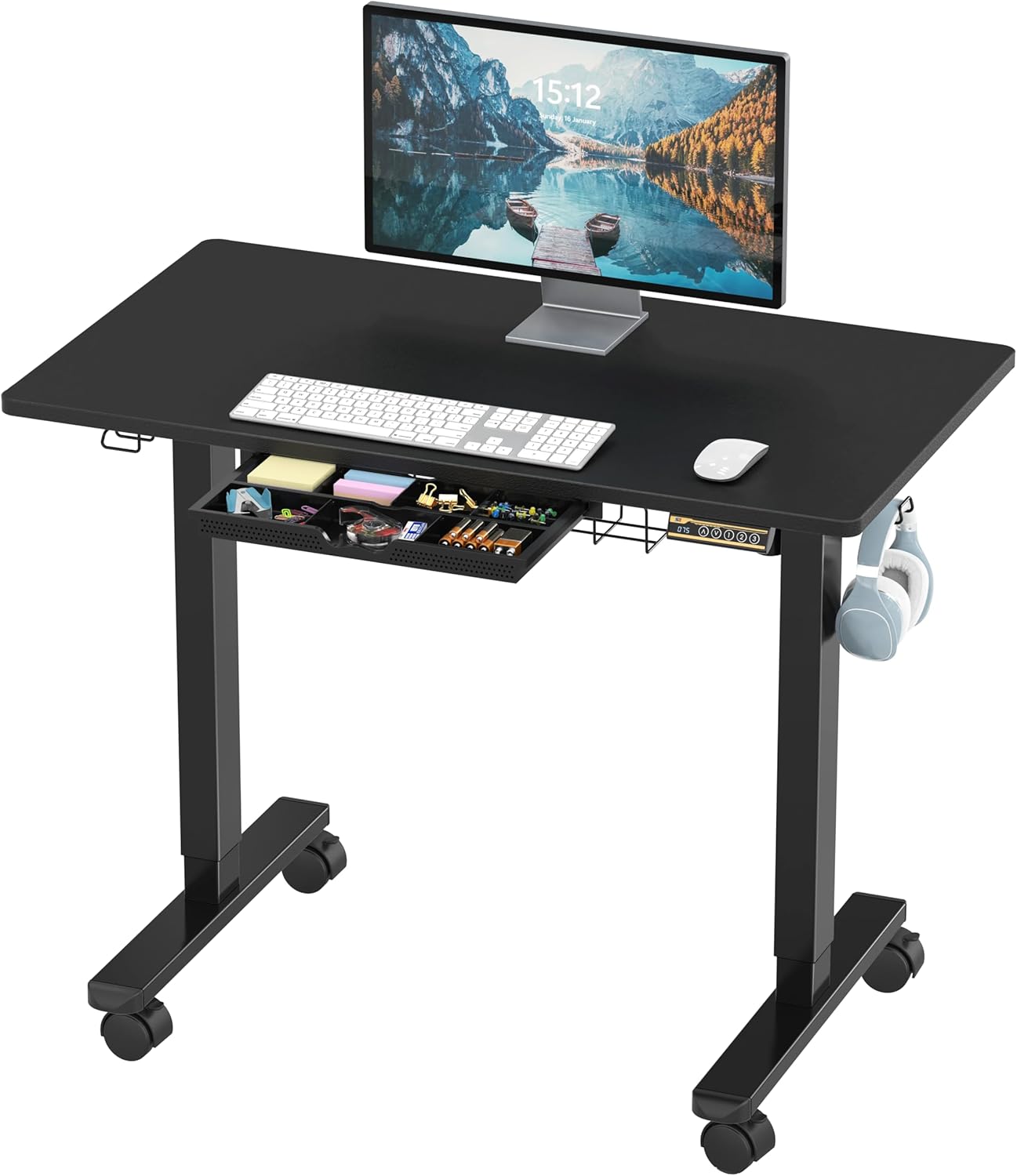
If two full resets do not help and the frame is out of warranty, a new desk may be simpler than chasing parts. These three come from our guide to the best standing desks and cover different setups: a dual-motor frame with a wide desktop, a 60-inch desk with room for two monitors, and a compact desk on wheels with a drawer. Before you buy, check the controller type, height range and listed weight capacity on each listing, and keep the manual so you have the reset steps for your exact model.

Pros
- Height range 23.6 to 48.8 in (3-stage)
- Dual motors, 220 lb capacity
- 4 memory presets
Cons
- Large 55 x 27.5 in footprint
- Heavier to move (55 lb)
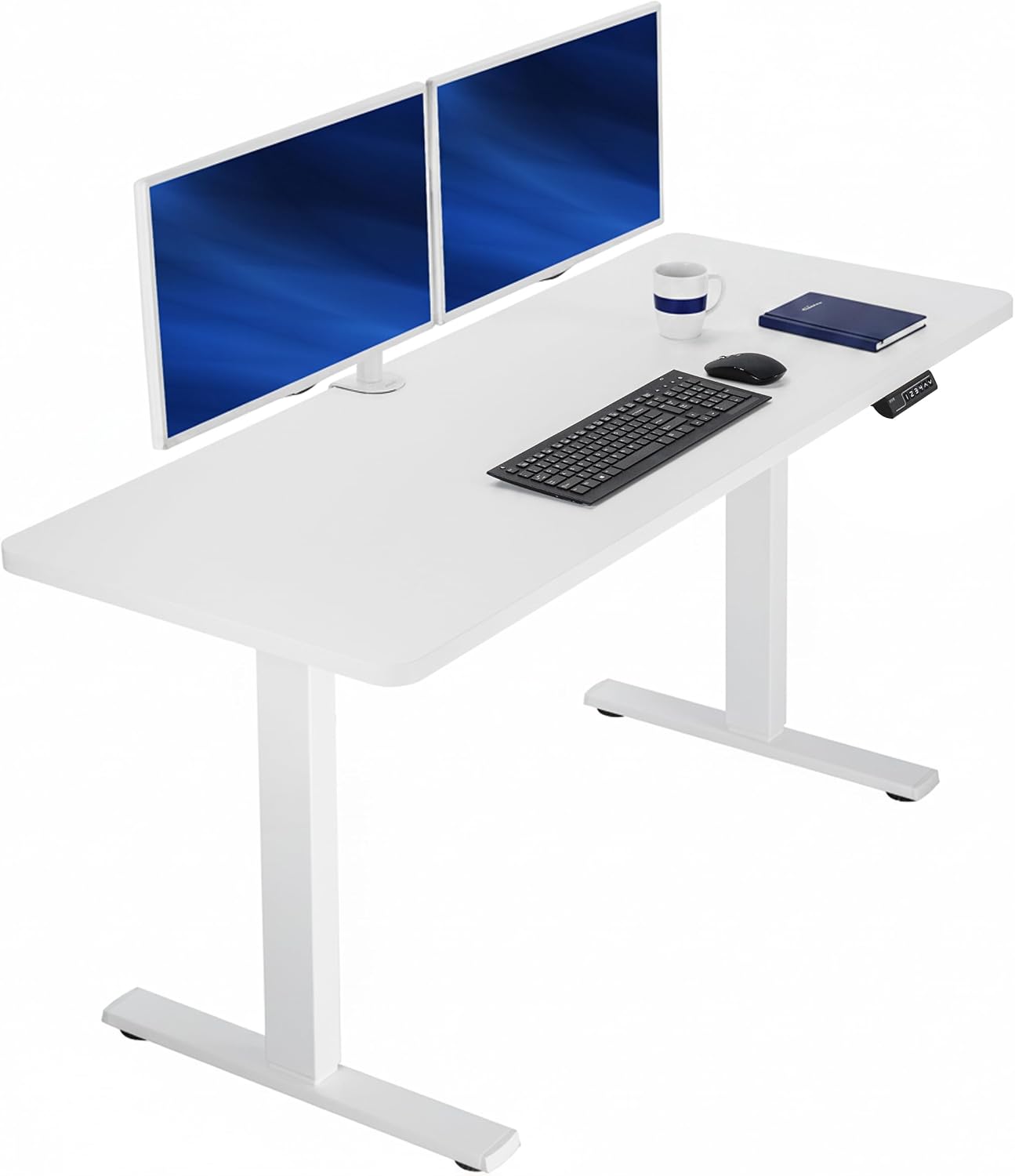
Pros
- Wide 59 x 23.6 in one-piece top
- 220 lb capacity
- 4 memory presets
Cons
- Lowest height is 29.3 in
- Particle board top
Pros
- Locking casters plus glides
- Drawer, cable tray, hooks
- 3 memory presets
Cons
- 110 lb capacity
- Max height 45 in
Frequently Asked Questions
Why is my standing desk not working after a power outage?
Many controllers lose track of the desk’s position when power is cut. FlexiSpot says a desk that has lost power may only move downward until it is reset, and UPLIFT lists unplugging or a power loss as a reason to run its quick reset. Plug the desk back in, then run the reset sequence for your model.
Does resetting a standing desk delete my height presets?
It can. FlexiSpot notes that a desk loses its memory settings after being unplugged, and Autonomous says a reset clears saved presets on its desks. Plan to save your sitting and standing heights again after any reset.
Why does my standing desk only go down?
This is a common symptom of a controller that needs recalibrating, often after a power cut. Clear anything under the desk, hold Down until it reaches the bottom, and complete your model’s reset sequence. If it still will not go up, check for obstructions above the desk and for overloading.
Why does my standing desk stop and go back up?
Many desks have an anti-collision feature that stops or reverses the desk when it meets resistance. Remove anything that could be in the way, including cables that are too short for the full height range. IKEA says that if a BEKANT keeps stopping and reversing with nothing blocking it, the underframe may need replacing.
How long should I unplug a standing desk to reset it?
It depends on the brand. IKEA’s BEKANT instructions say roughly one minute, and FlexiSpot’s guide says 30 seconds. Check your desk’s manual, then run the button reset after you plug it back in.
Conclusion
Most stuck standing desks come back after the same short routine: clear the space under and above the desk, take weight off, reseat every cable, give the motors a rest if they have been working hard, power cycle the desk, and run your model’s reset sequence until it dips, rises and stops. Then re-save your presets and check the desktop is level. If two full resets do not help, note the error code and model number and contact the manufacturer, because the fault is most likely a leg, column or control box that needs replacing.
Sources
- UPLIFT Desk, Standing desk reset, stability, and troubleshooting
- Vari, Electric Standing Desk Control Panel Codes
- IKEA Australia, How do I fix my BEKANT sit/stand desk?
- FlexiSpot, What Should You Do If Your Standing Desk Stops Working?
- Autonomous, How to Reset a Standing Desk (used only for Autonomous Desk 2 and Desk Pro instructions)
- University of California Office of the President, Sit-Stand Desks: Resetting the Base (PDF)
About the author

HomeOfficeAid writes reviews and buying guides for HomeOfficeAid.