
How to Find the Right Standing Desk Height in 4 Steps
Measure your standing elbow height and eye height, then set the keyboard and monitor to match. Steps, common mistakes and what to check before buying.
 By HomeOfficeAid
Updated November 12, 2026

The right standing desk height puts your keyboard and mouse at about your standing elbow height, with your elbows bent at roughly 90 degrees and close to your body. Your monitor then goes on top of that: the top line of the screen at or slightly below eye level, about an arm’s length away. You do not need a height chart to get this right. A tape measure, a few minutes and the steps below are enough.
This guide covers how to measure your own numbers, how to set up the desk and monitor, and how to check whether a desk you are considering can reach the heights you need. It is general setup information, not medical advice.
The Two Measurements That Matter
A standing desk setup comes down to two heights: where your hands work, and where your eyes look.
- Keyboard height (standing elbow height). The Canadian Centre for Occupational Health and Safety (CCOHS) says the work surface should be at approximately your standing elbow height, with your elbows close to your body and bent at about 90 degrees. Colorado State University’s ergonomics program gives the same target: keep your keyboard and mouse near resting elbow height.
- Screen height (eye level). OSHA’s computer workstation guidance says to place the monitor so the top line of the screen is at or below eye level, with the center of the screen about 15 to 20 degrees below horizontal eye level.
Because these two heights are tied to your body, the right desk height is different for every person, and it also changes with the shoes you wear. That is why measuring beats any generic chart.
How to Measure Your Standing Desk Height in 4 Steps
1. Stand the way you will work
Put on the shoes you usually wear at your desk. Stand straight with your weight on both feet and your shoulders relaxed, not raised.
2. Bend your elbows to about 90 degrees
Let your upper arms hang naturally at your sides, then bend your elbows so your forearms are roughly parallel to the floor. Keep your wrists straight, as if your hands were resting on a keyboard.
3. Measure from the floor to the underside of your forearm
Have someone measure from the floor to the bottom of your forearm near the elbow, or measure against a wall mark. This is your target height for the top of the keyboard surface, not necessarily the desktop. If your keyboard is thick, set the desktop a little lower so the keys, not the desk, land at elbow height.
4. Measure your standing eye height
Measure from the floor to your eyes while looking straight ahead. Subtract your keyboard height to see how far above the desktop the top of your screen should sit. This tells you whether your monitor stand, arm or riser can reach high enough.
Do the same two measurements while seated if you plan to switch between sitting and standing. Your seated elbow height, with your feet flat on the floor and your chair adjusted, is the low end the desk needs to reach.
Setting Up the Desk
- Raise the desk until your forearms are level. Your shoulders should stay relaxed. If you feel your shoulders creeping up, the desk is too high. If you are leaning forward or dropping your wrists, it is too low.
- Keep the keyboard and mouse close. They should sit near the front edge so your elbows stay by your sides instead of reaching forward.
- Keep wrists straight. OSHA’s guidance is to arrange the keyboard so you do not have to bend your wrists up, down or to the side.
- Save the setting. If your desk has memory presets, store your sitting and standing heights so you hit the same positions every time.
Setting Up the Monitor
Raising a desk raises the screen with it, which is usually what you want. Problems start when the screen and the keyboard are not on the same surface, for example on some desk converters.
- Height: top line of the screen at or below eye level (OSHA). CCOHS says that when standing, your line of sight to the monitor should still fall between horizontal and 35 degrees below.
- Distance: OSHA gives a preferred viewing distance of 20 to 40 inches from your eyes to the screen. Roughly an arm’s length is a simple starting point.
- Tilt: tilt the screen so it faces your line of sight. OSHA suggests a tilt of about 10 to 20 degrees.
- Bifocals or progressive lenses: OSHA advises lowering the monitor below the usual position so you can see the screen without tilting your head back.
Check the Desk’s Height Range Before You Buy
Every standing desk lists a minimum and maximum height. Compare those numbers with your own measurements, not with an average:
- Minimum height should be at or below your seated keyboard height. Colorado State University’s ergonomics guidance says the surface should lower enough for seated work and rise enough for standing work.
- Maximum height should reach your standing keyboard height, ideally with a little room to spare for thicker shoes or a mat.
- Remember the keyboard. Desk height ranges are measured to the desktop. Your keys sit higher than that.
- Tall and short users should pay the most attention, because they are the people most likely to fall outside a desk’s range. Some manufacturers sell extended-range frames for this reason.
If you already own a fixed desk and are deciding whether to replace it or add a converter on top, see our comparison of a standing desk vs a desk converter.
Common Mistakes
- Setting the desk to a chart instead of your body. Height charts assume average proportions. Two people of the same height can have different elbow heights.
- Raising the desk but not the screen. If the monitor ends up below your keyboard line of sight, you will bend your neck to read it.
- Raising the screen too high. A screen above eye level makes you tilt your head back.
- Reaching for the mouse. Keep it next to the keyboard at the same height.
- Standing all day. Standing is a position to alternate with sitting, not a replacement for it. Our guide on how long to stand at a standing desk covers what ergonomics programs recommend.
Desks With a Wide Height Range
If your measurements land near the low or high end of a typical desk, these two desks list the widest height ranges among the models we compared. Check each range against your own elbow heights. Our full comparison of the best standing desks covers more sizes and setups.

Pros
- Height range 23.6 to 48.8 in (3-stage)
- Dual motors, 220 lb capacity
- 4 memory presets
Cons
- Large 55 x 27.5 in footprint
- Heavier to move (55 lb)
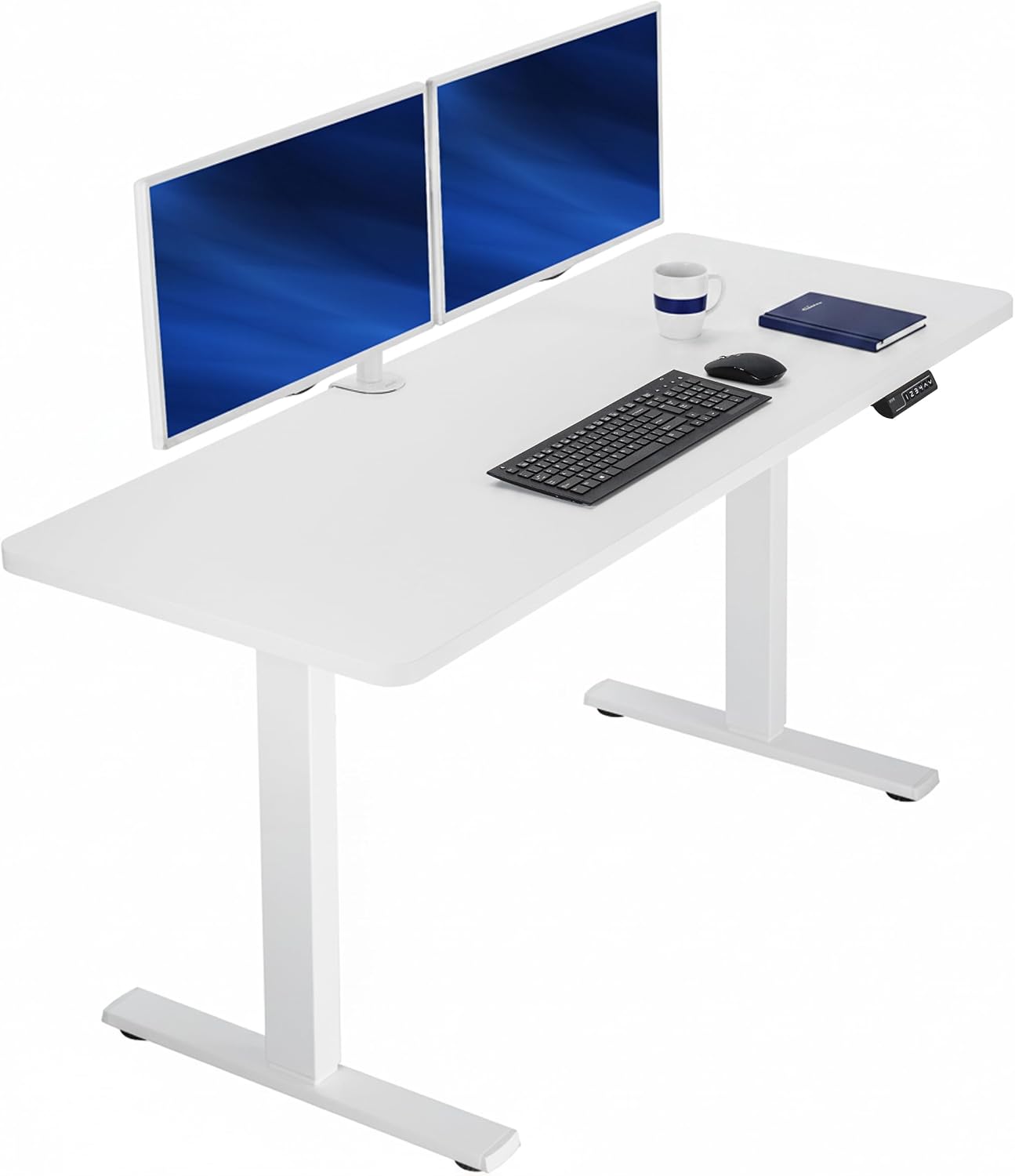
Pros
- Wide 59 x 23.6 in one-piece top
- 220 lb capacity
- 4 memory presets
Cons
- Lowest height is 29.3 in
- Particle board top
Frequently Asked Questions
How high should a standing desk be for my height?
Set it so your keyboard is at your standing elbow height with your elbows bent about 90 degrees. Your body height alone is not precise enough, because arm and torso proportions vary. Measure your elbow height in your usual shoes instead.
Should my elbows be at 90 degrees at a standing desk?
About 90 degrees, with elbows close to your sides, is the target given by CCOHS. A little more open than 90 degrees is fine if it keeps your shoulders relaxed and wrists straight.
Where should my monitor be when standing?
The top line of the screen should be at or slightly below eye level and about an arm’s length away. OSHA lists 20 to 40 inches as the preferred viewing distance.
Do I need different settings for sitting and standing?
Yes. Your seated and standing elbow heights are different, so the desk height changes when you switch. Your monitor should keep the same relationship to your eyes in both positions.
Does an anti-fatigue mat change the height?
Yes. A mat raises where you stand, so raise the desk by the same amount. CCOHS suggests considering an anti-fatigue mat where appropriate, along with supportive footwear.
Sources
- Canadian Centre for Occupational Health and Safety, Office Ergonomics: Sit/Stand Desk
- OSHA, Computer Workstations eTool: Monitors
- OSHA, Computer Workstations eTool: Desks
- Colorado State University, Height-Adjustable Workstations
About the author

HomeOfficeAid writes reviews and buying guides for HomeOfficeAid.